
Constellation
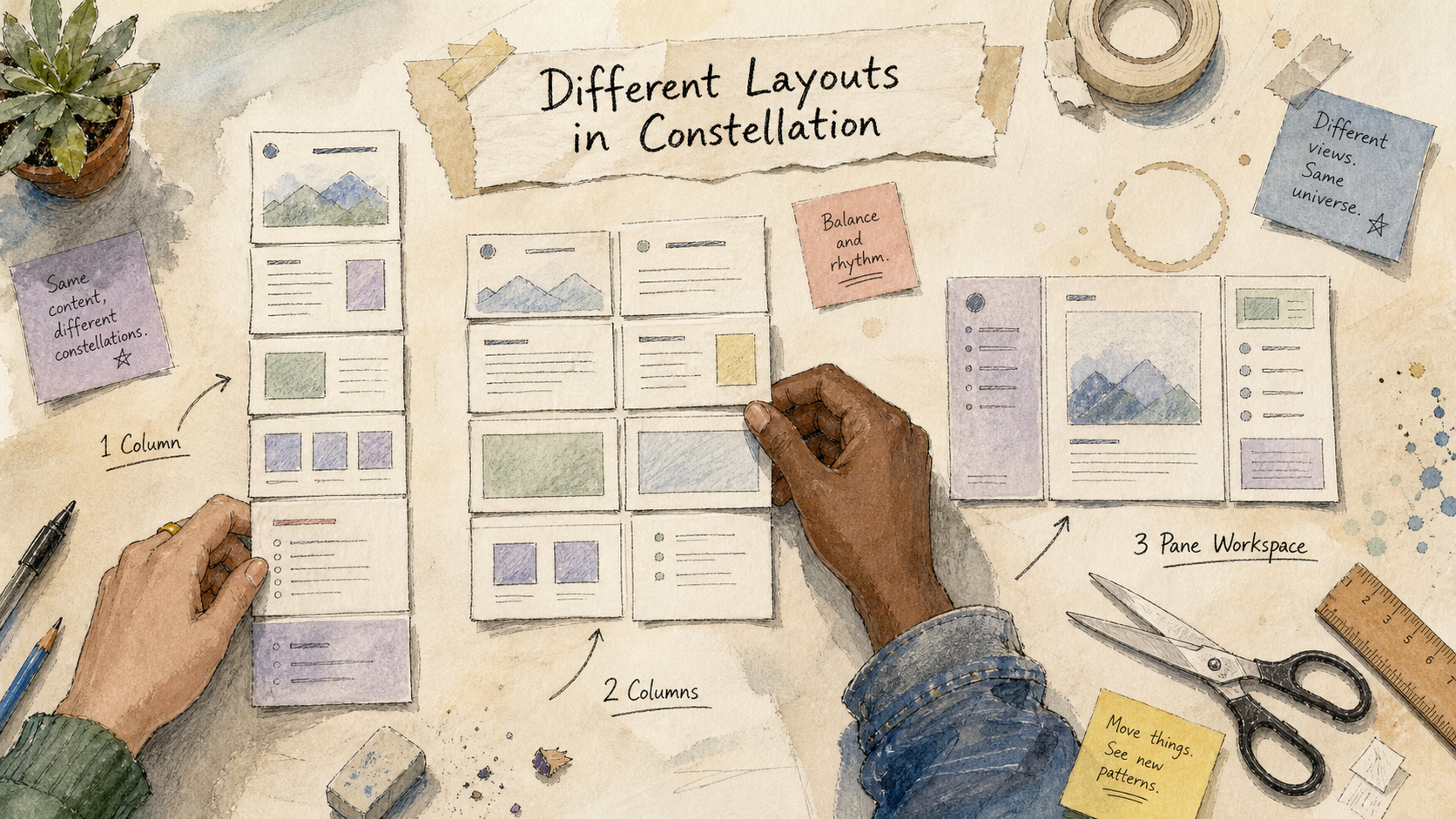
Different Layouts in Pega Constellation: Which One Should You Use and Why?
Different Layouts in Pega Constellation: Which One Should You Use and Why?When developers first start working with Pega Constellation, one of the most common questions is:"Which layout should I use for my section?"Unlike traditional UI development where developers manually place fields and controls, Constellation provides modern layout options that automatically adapt to different screen sizes and devices.Choosing the right layout is important because it directly affects:User experienceMobile responsivenessAccessibilityMaintainabilityPerformanceMany developers simply use the default layout everywhere. While the application may still work, it often results in poor user experience and inconsistent screens.In this article, we will explore the most…
Continue reading for free
Subscribe with your email to unlock this article and receive useful Pega learning updates. There is no cost.
Share your perspective
Ask a question, add a practical insight, or reply to another reader.
Start the conversation
Be the first to share a question or practical Pega insight.